10 Tips to Protect Your Online Privacy in 2025

Staff Reporter
28 August 2025, 18:03
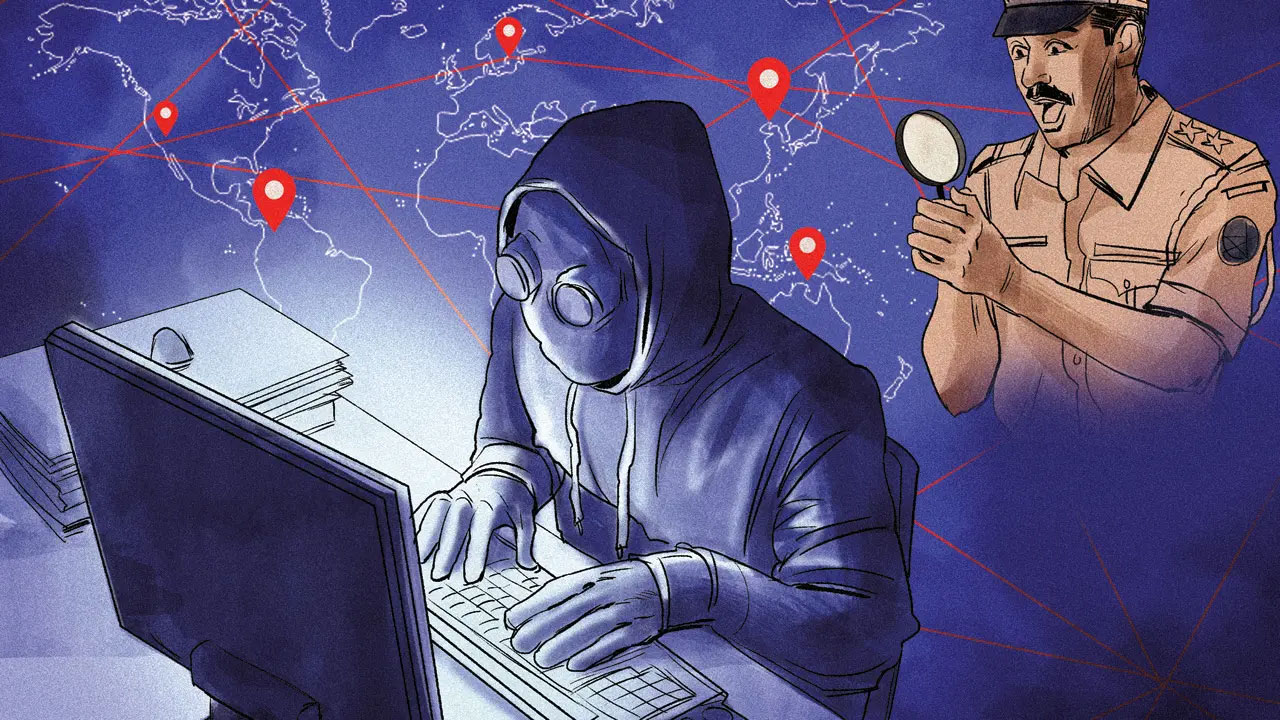
Iit's 2025, and the internet is even more woven into our lives than it is now. Think holographic Zoom calls, smart homes that anticipate your every need, and maybe even self-driving CNGs (fingers crossed!). But with all that awesome tech comes a bigger risk: our online privacy. Don't worry, though! Protecting your digital life doesn't have to be a headache. Let's dive into 10 super easy tips to keep your data safe and sound in 2025.
1. Master the Art of Strong Passwords
Okay, I know, you've heard this a million times. But seriously, strong passwords are like the gatekeepers of your online kingdom. Think of it this way: would you leave your house with the door unlocked? Absolutely not! So, treat your online accounts the same way.
Why Strong Passwords Matter
Weak passwords are like giving cybercriminals a VIP pass to your personal information. They can access your emails, social media, bank accounts – basically, your entire digital life.
How to Create Unbreakable Passwords
- Go long: Aim for at least 12 characters. The longer, the better!
- Mix it up: Combine uppercase and lowercase letters, numbers, and symbols. Think "P@sswOrd123!" instead of "password."
- Avoid personal info: Don't use your name, birthday, or anything easily guessable.
- Use a password manager: These tools generate and store strong passwords for all your accounts. They're like having a super-organized digital bodyguard.
2. Embrace Two-Factor Authentication (2FA)
Imagine your password is the key to your front door. Two-factor authentication is like adding a deadbolt AND a security camera. Even if someone gets your key (password), they still need that extra layer of security to get in.
What is Two-Factor Authentication?
2FA adds an extra step to the login process. Usually, it involves something you have (like your phone) in addition to something you know (your password).
How to Set Up 2FA
Most websites and apps offer 2FA. Look for it in the security settings. You'll typically receive a code via text message or through an authenticator app like Google Authenticator or Authy. Enable it wherever you can – especially for your email, social media, and bank accounts.
3. Become a VPN Virtuoso
Think of a VPN (Virtual Private Network) as a secret tunnel for your internet traffic. It encrypts your data and hides your IP address, making it much harder for anyone to snoop on your online activity.
Why Use a VPN?
- Public Wi-Fi Protection: Public Wi-Fi hotspots are notorious for being insecure. A VPN protects your data from hackers lurking on the same network.
- Privacy from ISPs: Your Internet Service Provider (ISP) can see everything you do online. A VPN prevents them from tracking your browsing history.
- Access Geo-Restricted Content: Want to watch a show that's only available in another country? A VPN can help you bypass those restrictions.
Choosing the Right VPN
- Read reviews: Look for reputable VPN providers with positive reviews.
- Consider the features: Some VPNs offer extra features like ad blocking and malware protection.
- Check the privacy policy: Make sure the VPN provider doesn't log your browsing activity.
4. Tame Your Social Media Settings
Social media platforms are like digital town squares – great for connecting with friends and family, but also potential hotspots for privacy breaches.
Privacy Settings to Master
- Who can see your posts? Limit your audience to friends only.
- Location tracking: Turn off location services to prevent social media platforms from tracking your movements.
- Ad personalization: Opt out of personalized ads to reduce the amount of data collected about your interests.
- Review third-party apps: Regularly check which apps have access to your social media accounts and revoke permissions for those you no longer use.
5. Block Those Pesky Trackers
Websites and advertisers use trackers to follow your online activity and collect data about your browsing habits. Fortunately, there are tools to block these trackers.
What are Trackers?
Trackers are small pieces of code that websites embed in your browser to monitor your online behavior. They use this data to create a profile of your interests and target you with personalized ads.
How to Block Trackers
- Use a privacy-focused browser: Brave and Firefox Focus are designed to block trackers by default.
- Install a browser extension: Privacy Badger and uBlock Origin are popular extensions that block trackers and ads.
- Adjust your browser settings: Most browsers have built-in privacy settings that allow you to limit tracking.
6. Keep Your Software Up-to-Date
Software updates aren't just about adding new features – they also include crucial security patches that protect you from vulnerabilities.
Why Updates are Important
Cybercriminals are constantly looking for weaknesses in software. When a vulnerability is discovered, software developers release updates to fix it. If you don't install these updates, you're leaving your devices open to attack.
How to Stay Up-to-Date
- Enable automatic updates: Most operating systems and apps have an option to automatically install updates. Turn this on!
- Regularly check for updates: Even if you have automatic updates enabled, it's a good idea to manually check for updates from time to time.
- Be wary of fake updates: Only download updates from official sources. Be suspicious of pop-up ads or emails claiming to offer updates.
7. Be Smart About Phishing
Phishing scams are like cleverly disguised traps designed to trick you into giving up your personal information.
What is Phishing?
Phishing attacks typically involve emails, text messages, or phone calls that appear to be from legitimate organizations, such as banks, government agencies, or popular websites. These messages often contain links to fake websites that ask you to enter your username, password, or credit card information.
How to Spot a Phishing Scam
- Look for suspicious emails: Be wary of emails with poor grammar, spelling errors, or urgent requests for personal information.
- Check the sender's address: Phishing emails often come from fake email addresses that are similar to legitimate ones.
- Don't click on suspicious links: Hover over links before clicking on them to see where they lead. If the URL looks suspicious, don't click on it.
- Never give out personal information: Legitimate organizations will never ask you for your password or credit card information via email or phone.
8. Regularly Review App Permissions
Apps often request access to your contacts, location, camera, and other sensitive information. It's important to regularly review these permissions and revoke access for apps that don't need it.
Why App Permissions Matter
Apps can use the data they collect about you for a variety of purposes, including tracking your location, serving you personalized ads, and even selling your data to third parties.
How to Review App Permissions
- On Android: Go to Settings > Apps > [App Name] > Permissions.
- On iOS: Go to Settings > Privacy > [App Name].
Revoke permissions for any apps that you don't trust or that don't need access to certain information.
9. Use a Secure Search Engine
Most search engines track your search queries and use this data to personalize your search results and serve you targeted ads. If you're concerned about privacy, consider using a secure search engine that doesn't track your searches.
What are Secure Search Engines?
Secure search engines like DuckDuckGo and Startpage don't track your search queries or personalize your search results. They provide unbiased search results without compromising your privacy.
Benefits of Secure Search Engines
- Privacy: Your search queries aren't tracked or stored.
- Unbiased results: You see the same search results as everyone else, regardless of your browsing history.
- No personalized ads: You won't be targeted with ads based on your search queries.
10. Educate Yourself and Others
The online world is constantly evolving, so it's important to stay informed about the latest privacy threats and best practices. Share your knowledge with your friends and family to help them protect their online privacy as well.
Stay Informed
- Read privacy blogs: Follow reputable privacy blogs and news websites to stay up-to-date on the latest privacy threats.
- Attend privacy workshops: Look for workshops or webinars on online privacy.
- Talk to experts: Consult with privacy experts or IT professionals to get personalized advice.
Share Your Knowledge
- Talk to your friends and family: Share the tips you've learned with your friends and family.
- Write about privacy: If you have a blog or social media account, write about online privacy.
- Volunteer: Volunteer with organizations that promote online privacy.
| Feature | Strong Password | Two-Factor Authentication | VPN |
|---|---|---|---|
| Purpose | Protect account from unauthorized access | Add extra layer of security | Encrypt internet traffic and hide IP address |
| Benefit | Difficult to guess or crack | Requires additional verification method | Protect data on public Wi-Fi, hide browsing history from ISP |
| Implementation | Use long, complex passwords | Enable 2FA on all important accounts | Choose reputable VPN provider and connect when browsing |
| Additional Notes | Use password manager for easy password management | Keep backup codes in safe place | Check VPN's privacy policy |
FAQs
-
What is online privacy and why is it important?
Online privacy is your right to control what information about you is collected and how it's used online. It's important because it protects you from identity theft, fraud, and other online threats. It also ensures that your personal information isn't used without your consent. -
How can I tell if a website is secure?
Look for "https" in the website's address and a padlock icon in the address bar. This indicates that the website is using encryption to protect your data. -
What should I do if I think my online privacy has been compromised?
Change your passwords immediately, contact your bank or credit card company if you suspect fraud, and report the incident to the authorities.
So there you have it! Ten simple yet effective tips to safeguard your online privacy in 2025. Remember, protecting your digital life is an ongoing process, not a one-time fix. By staying informed, being proactive, and taking these steps, you can enjoy the benefits of the internet without sacrificing your privacy.