Stop Ignoring Your Router:
How to Protect Your Home Network and Privacy

News Desk
06 June 2026, 13:51
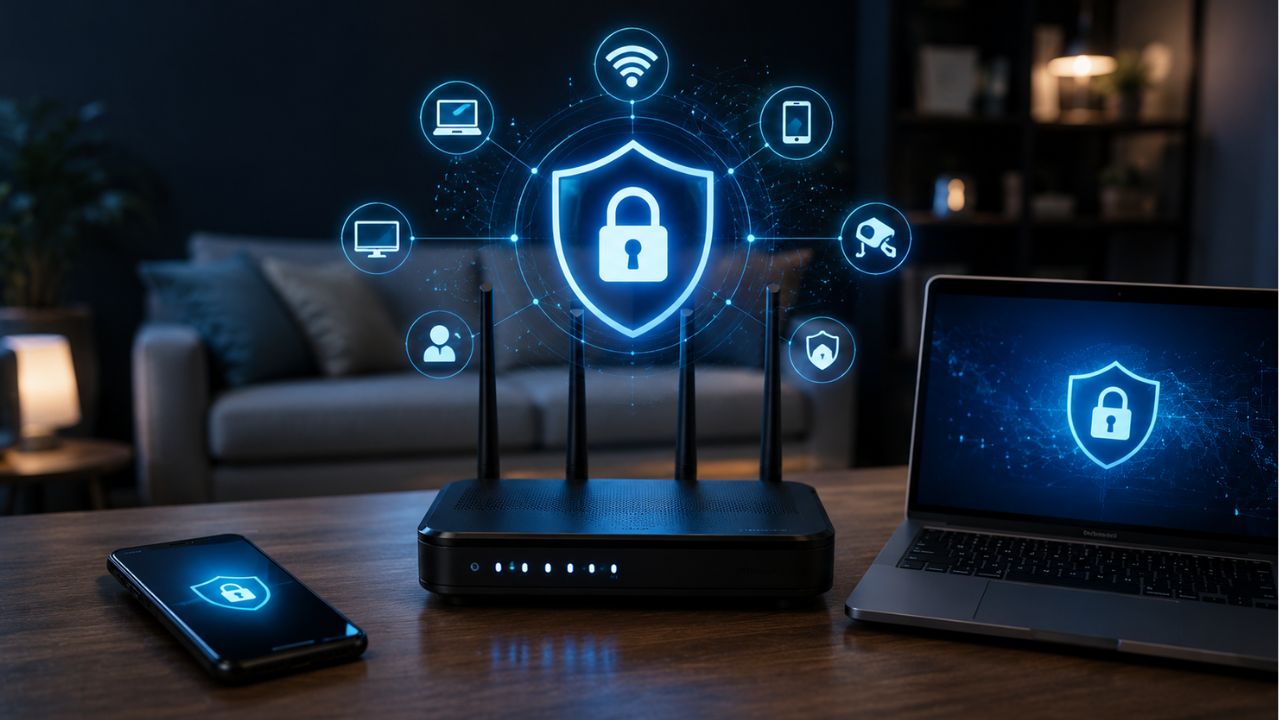
Most people rarely think about their Wi-Fi router — until it stops working. But neglecting this critical device can come at a high cost. Earlier this year, Russian hackers (APT28) exploited unsecured home routers across 23 U.S. states, building a shadow network to intercept data and steal credentials. Your router isn’t just a connection point — it’s the gateway to everything on your network.
Stephen Boyce, cybersecurity professor at Duke University, explains, “Your router really is that gateway for data coming in, as well as data going out.”
What Your Router Knows About You
Routers collect a surprising amount of information about your devices and online activity:
- Device fingerprinting: Routers track every device on the network, from phones to smart fridges, and may detect device types.
- Traffic metadata: Even encrypted traffic reveals data usage, connection times, and duration online.
- Connection logs: Timestamps and patterns can indicate when you’re home, awake, and how you spend your online time.
Who Might See Your Data
Beyond your router, others could access your network data:
- ISPs: May monitor traffic for legal compliance or sell anonymized data.
- Router manufacturers: Collect telemetry for updates and troubleshooting.
- Third-party apps: Router apps often need network access to function.
Common Router Privacy Vulnerabilities
- UPnP (Universal Plug and Play): Makes device connections easy, but can expose devices to each other.
- WPS (Wi-Fi Protected Setup): Simplifies pairing but can be exploited by hackers.
- Legacy encryption: Older routers may not support WPA3, leaving networks exposed.
- DNS leaks: Poor VPN setups can allow routers and ISPs to see your browsing activity.
How to Optimize Router Privacy
Basic Steps
- Change default credentials: Replace the factory Wi-Fi password with a strong, unique one.
- Update firmware regularly: Keep your router patched to fix security vulnerabilities.
- Consider a third-party router: Owning your router limits ISP access to your network data.
- Create guest networks: Isolate smart home devices from your primary network.
- Use privacy-focused DNS: Services like Cloudflare or NextDNS can improve security and speed.
- Install a router-level VPN: Protect all devices on your network with “always-on” encryption.
Advanced Options
- Custom firmware: Open-source options like DD-WRT or OpenWrt provide better security, frequent updates, and granular control.
- Risks: Installing custom firmware incorrectly can “brick” your router, making it unusable.
Router Privacy Myth: Set It and Forget It
Routers require ongoing attention. Boyce recommends revisiting your network settings regularly and upgrading your router every 12–18 months to maintain strong security. “It’s a lot different than a front-door lock,” he notes — outdated routers are increasingly vulnerable.
With the right steps, your router can become an ally in protecting your online privacy and securing your home network.