Windows 11 June Update Improves Performance,
Adds Low-Latency Mode and Fixes 200+ Security Flaws

News Desk
11 June 2026, 15:14
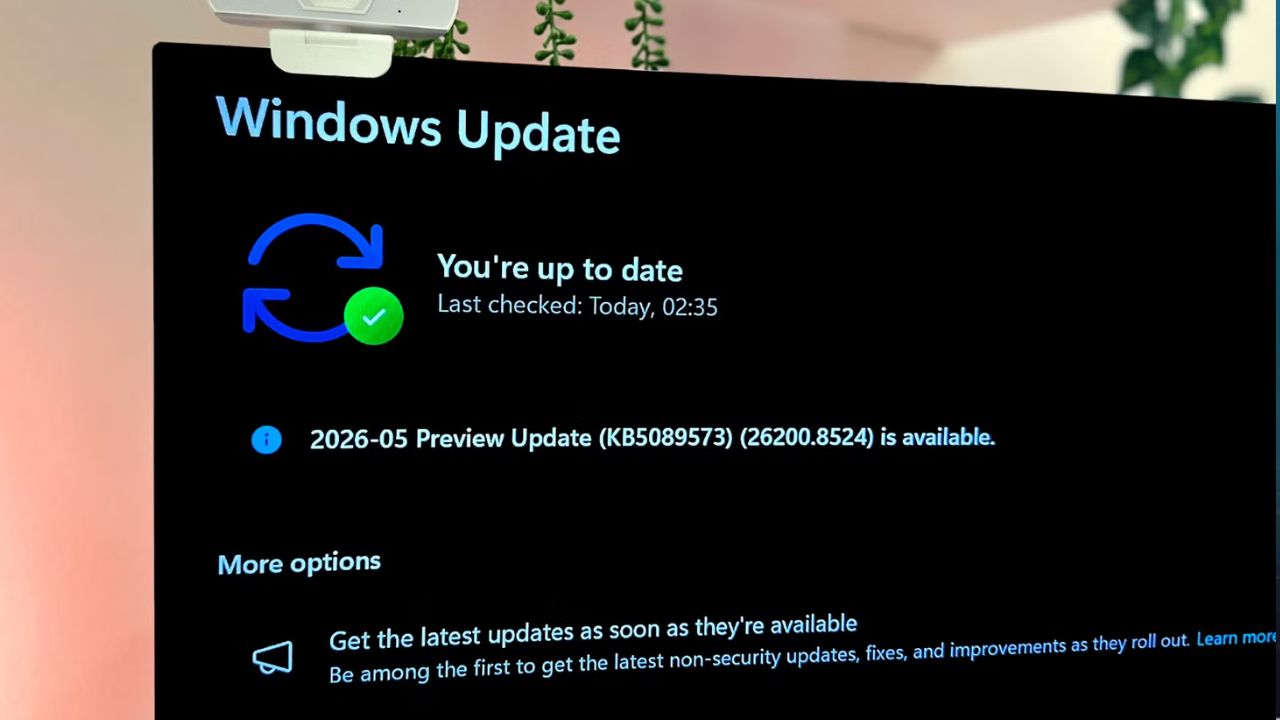
Microsoft has released its latest Windows 11 June Patch Tuesday update, introducing performance improvements, new features, and fixes for more than 200 security vulnerabilities. The update is being rolled out under KB5094126 (OS Builds 26200.8655 and 26100.8655).
The update is one of the most significant in recent months, focusing on improving system responsiveness while also strengthening security across the operating system.
Performance Improvements With Low-Latency Mode
A key highlight of the update is a new low-latency performance profile designed to make Windows 11 feel faster during everyday use. According to reports, the feature briefly boosts CPU clock speeds when users interact with core system elements such as the Start Menu, Action Center, Search, and app launches. This allows Windows to respond more quickly before the processor returns to normal power levels.
The improvement is intended to reduce delays that some users experience when opening system interfaces. However, Microsoft is rolling out the feature gradually, so it may not be enabled for all users immediately.
Faster Windows Search and System UX
The June update also improves Windows Search performance, allowing results to appear after only two typed characters. This change is designed to make app launching and file searching faster and more fluid for users who rely heavily on keyboard-based navigation.
Microsoft has also continued refining the Start Menu experience, with ongoing improvements to responsiveness and overall system UI performance.
New Features in the Update
Alongside performance upgrades, the update introduces several new features. These include multi-app camera support, allowing users to use their camera in multiple applications at the same time. Another addition is Shared Audio, which enables Windows PCs to broadcast audio to two Bluetooth LE-compatible devices simultaneously, such as headphones or earbuds.
The update also adds the ability to customize user folder names during system setup, giving users more flexibility during fresh installations. In addition, Task Manager now includes new tools for monitoring Neural Processing Unit (NPU) activity, aimed at devices equipped with dedicated AI hardware.
Major Security Fixes
Security remains a major focus of the update. Microsoft has patched 206 vulnerabilities in total, including issues related to privilege escalation, remote code execution, spoofing, and information disclosure.
One of the most critical fixes addresses a kernel-level remote code execution vulnerability (CVE-2026-45657) with a severity score of 9.8. Microsoft has previously noted that AI-assisted tools are accelerating vulnerability discovery, increasing the need for faster and more comprehensive security updates.
Closing Notes
The June update reflects Microsoft’s continued effort to improve Windows 11 performance while addressing long-standing user concerns around speed, responsiveness, and system stability. While some features are rolling out gradually, the update marks a notable step in refining the overall Windows 11 experience for users worldwide.