How Android Users Can Receive Earthquake Early Warnings From Google

News Desk
27 June 2026, 14:43
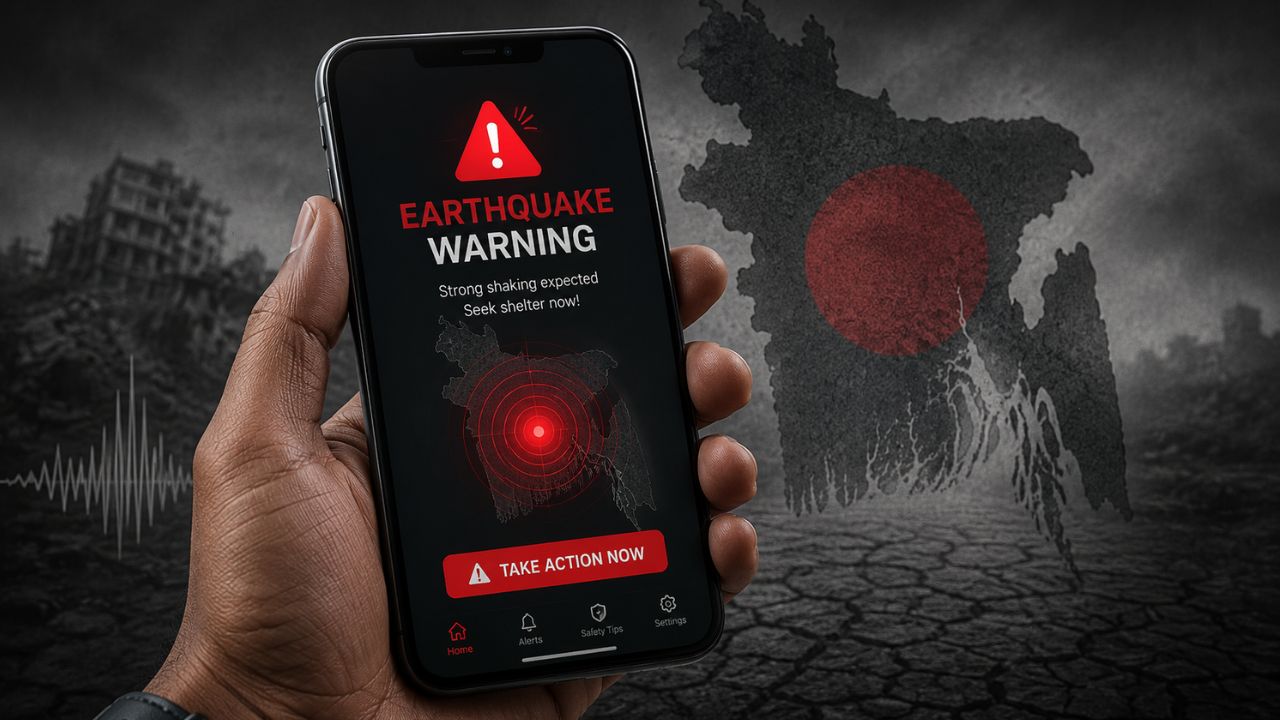
Recent earthquakes and aftershocks have reminded many people of the importance of being prepared. While no technology can accurately predict when an earthquake will occur, modern early warning systems can alert people seconds before the shaking reaches their location.
For Android users, Google offers a built-in Earthquake Alerts feature that can provide those crucial seconds to take protective action. Although the warning may only arrive a few seconds in advance, experts say that can be enough time to move to a safer location and reduce the risk of injury.
How Google's Earthquake Alert System Works
Google's Android Earthquake Alerts System uses the accelerometer sensors built into millions of Android smartphones around the world. When several phones in the same area detect ground movement consistent with an earthquake, Google's systems analyze the data to verify the event.
If an earthquake is confirmed, alerts are sent to Android devices in areas expected to experience shaking. People located farther from the epicenter may receive several seconds of warning before the tremors arrive.
The system is available in many countries and operates alongside official earthquake early warning networks where they exist.
How to Turn On Earthquake Alerts
To enable the feature on an Android phone:
-
Open Settings.
-
Tap Safety & emergency.
-
Select Earthquake Alerts.
-
Turn the feature on if it is disabled.
Depending on your phone manufacturer and Android version, the option may also appear under Location or Advanced Settings.
Make Sure Your Phone Meets These Requirements
To receive earthquake alerts, ensure that:
-
Your phone is connected to the internet.
-
Location services (GPS) are turned on.
-
Google Play Services is up to date.
-
Your device is running a supported version of Android.
Without these requirements, the alert system may not function properly.
Two Types of Earthquake Alerts
Google generally issues two types of notifications depending on the expected intensity of the shaking.
Be Aware Alert
This notification is sent for lighter earthquakes. It informs users that shaking is possible and encourages them to remain alert.
Take Action Alert
For stronger earthquakes, Android displays a full-screen warning accompanied by a loud alarm. The notification urges users to take immediate protective action before the shaking begins.
What About iPhone Users?
Google's Earthquake Alerts system is designed specifically for Android devices. iPhone users may receive earthquake warnings through official government emergency alert systems where available or by using trusted third-party earthquake alert applications that support their region.
What to Do If You Receive an Alert
Receiving an earthquake warning means you should act immediately. Safety experts recommend:
-
Take cover under a sturdy table or desk.
-
Stay away from windows, glass, and heavy furniture.
-
Do not use elevators.
-
If you are outdoors, move to an open area away from buildings and power lines.
-
If you are driving, safely pull over and remain inside the vehicle until the shaking stops.
While earthquakes cannot be prevented or predicted with precision, early warning systems can provide valuable seconds that help people protect themselves. If you use an Android phone, it's worth checking today whether Google's Earthquake Alerts feature is enabled - you may not need it often, but when you do, those few seconds could make a critical difference.